AI Secretary · public demo server
Turn conversations into
a clear plan for the day
Explore tasks, assignments, and meetings in the mobile app. All names, emails, and arrangements in this demo are fictional.
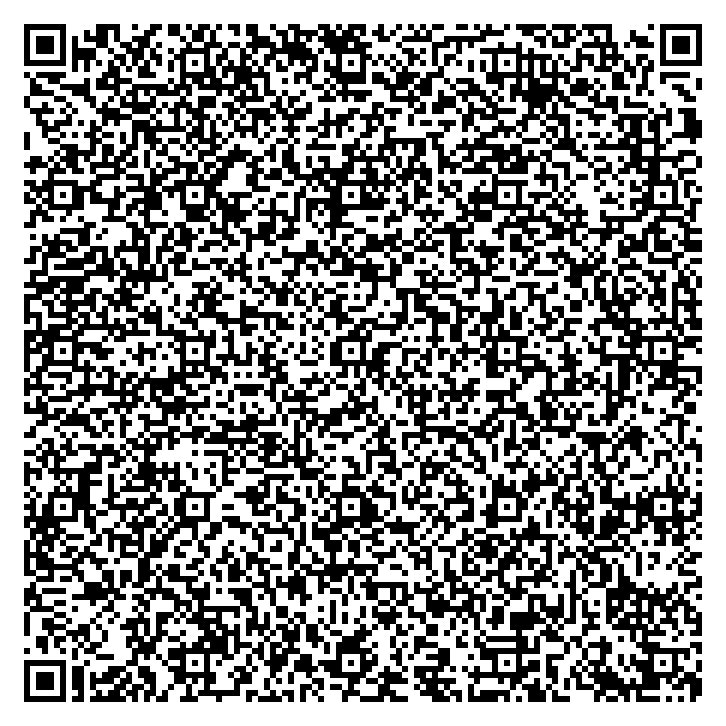
Connect your phone
- Install AI Secretary for Android.
- Open connection settings and choose the QR scanning option.
- Scan the code from another screen and complete the connection.
Visitors to the English demo share its data. Tasks you create, changes you make, and chat messages are visible to others. Do not enter personal information or connect a work email account. Demo data is restored daily at 03:00 Moscow time; visitor changes are removed from the active database. The three most recent backups are retained and are accessible only to the administrator. AI replies come from a demo stub, not a language model. The demo server is operated by Maxim Muratov. To request removal of data entered by mistake, email ai@muratov.net.
Things to try
- Find the task “Agree on the project launch plan” and open its source email.
- Open Assignments, filter by Anna Smirnova, and change an assignment’s status.
- Review the next meeting, its discussion outcomes, and the conversation summary.
- Ask in chat: “What assignments does Anna have?” The demo stub will show the sources it found.